Make a QR code. Change where it points later.
Change the link after the code is printed and see every scan. Your first 3 editable codes are free; static codes need no account at all.
Make a QR code from Link
Preview your QR code
Check that it scans, then download.
Sample. Fill in to make it yours.
PNG · JPG · PDF · WEBP · SVG · EPS
Prints a short link you can change after printing, with scan stats. Free account, 3 codes included.
Choose your QR code style
Customize your design
Templates
QR codes that look like art
Describe a scene and AI paints it with your code woven in. Every example here is a real code: point your phone at any of them and it opens qrglo.com.
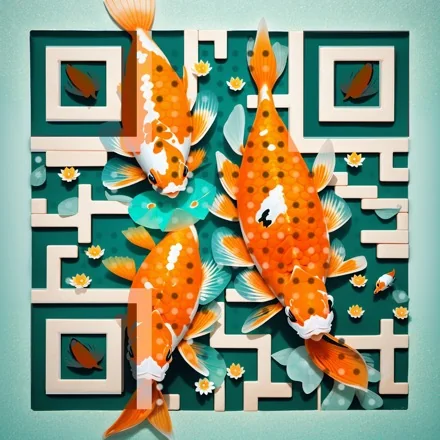
Koi pond
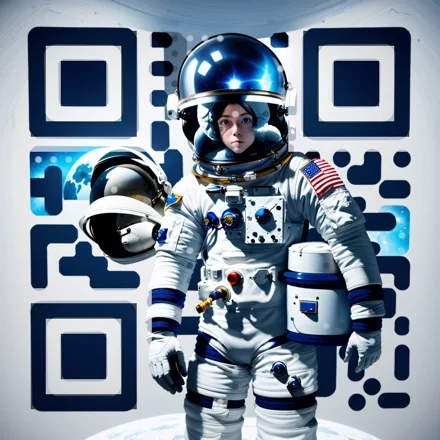
Astronaut
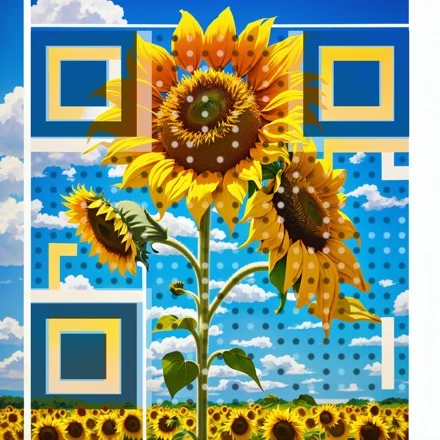
Sunflower
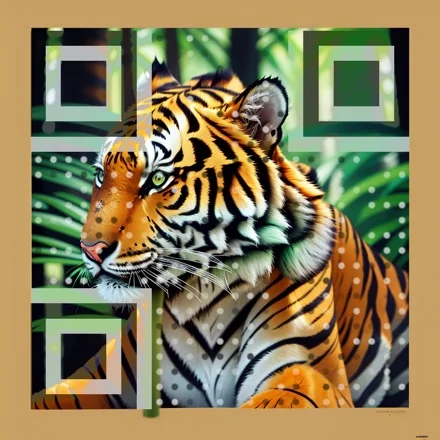
Tiger
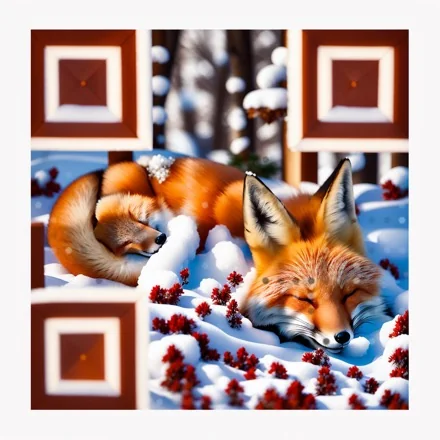
Sleeping fox
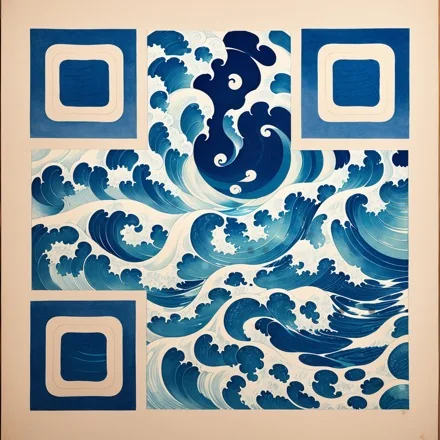
Great wave
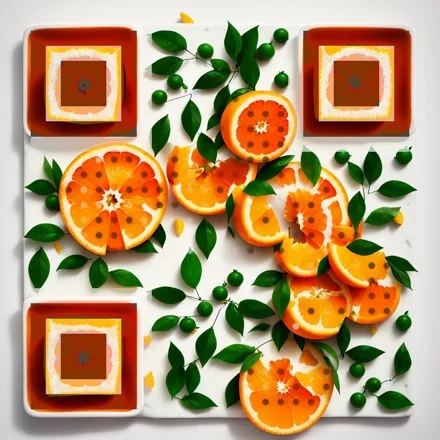
Oranges
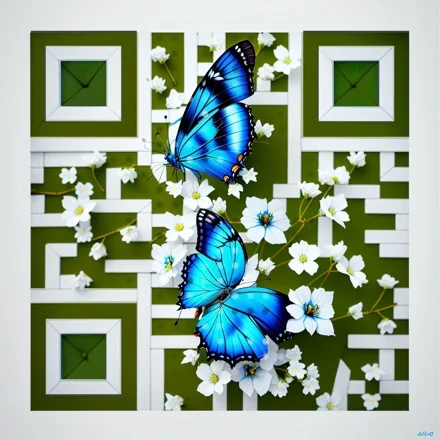
Butterfly
Three ways to design a code
Start from a template, put the code on your own photo, or let AI paint one. Every design is scan-checked before you download it.


Custom design
22 dot shapes, 117 corner combinations, gradients, effects and your logo. 24 templates to start from.


Image QR
Lay the code over your own photo or artwork, faded just enough to keep it scannable.
 PlainAI art
AI art
Type a scene or pick one of 16 styles. AI paints it with the code inside.
Pick what the code opens
Each type has its own page with examples and answers to common questions.
 Menu QR code generator
 Wi-Fi QR code generator
 vCard QR code generator
 Google review QR code generator
 Instagram QR code generator
 WhatsApp QR code generator
 PDF QR code generator
 YouTube QR code generator
 Spotify QR code generator
Shops and venues15
- Menu QR code generator
- Wi-Fi QR code generator
- vCard QR code generator
- Google review QR code generator
- Google Maps QR code generator
- Coupon QR code generator
- Feedback QR code generator
- App download QR code generator
- Location QR code generator
- Airbnb QR code generator
- Booking.com QR code generator
- Tripadvisor QR code generator
- Amazon QR code generator
- Etsy QR code generator
- Form QR code generator
Social media15
- Instagram QR code generator
- TikTok QR code generator
- YouTube QR code generator
- Facebook QR code generator
- LinkedIn QR code generator
- X (Twitter) QR code generator
- Pinterest QR code generator
- Snapchat QR code generator
- Spotify QR code generator
- Linktree QR code generator
- Discord QR code generator
- Twitch QR code generator
- SoundCloud QR code generator
- GitHub QR code generator
- VK QR code generator
Messaging and contact13
- WhatsApp QR code generator
- Telegram QR code generator
- LINE QR code generator
- WeChat QR code generator
- KakaoTalk QR code generator
- Zalo QR code generator
- SMS QR code generator
- Email QR code generator
- Phone call QR code generator
- Gmail QR code generator
- iMessage QR code generator
- FaceTime QR code generator
- MeCard QR code generator
Payments5
Files, forms and events14
- URL QR code generator
- PDF QR code generator
- Text QR code generator
- Calendar event QR code generator
- Zoom QR code generator
- Calendly and booking QR code generator
- Google Forms QR code generator
- Google Drive QR code generator
- Google Docs QR code generator
- Google Slides QR code generator
- Canva QR code generator
- MP3 audio QR code generator
- Image gallery QR code generator
- Rickroll QR code generator
Static code or editable code

Printed in March
Point it somewhere new
Opens today
Spring menu
Static code
No account$0, no account
- The link is stored inside the pattern itself
- Works forever, even if this site disappears
- Cannot be changed once printed
- PNG, JPG, WebP, SVG, PDF and EPS, with logo, colours and shapes
Editable code
DynamicFree for 3 codes
- The pattern holds a short link we redirect
- Change the destination any time, no reprint
- See scans by day, hour, country, device and language
- Never stops working, even if you hit a limit or cancel Pro
Three steps, about 30 seconds
- 1
Type a link or pick a type
Wi-Fi, contact cards, social profiles, PDFs and 50 more types. The preview updates as you type.
- 2
Set colours, shape and logo
Every option shows a warning if it would make the code hard to scan.
- 3
Download and test
SVG, PDF or EPS for print; PNG, JPG or WebP up to 4096 px for screens. Scan it with your phone first.
Where people put them
Restaurant menus
Print the code on table tents once. When prices change, update the menu link instead of reprinting 40 tents.
Business cards
A contact-card code saves your name, number and email to a phone in one tap. No typing, no spelling mistakes.
Guest Wi-Fi
Guests scan and join. Nobody reads a 16-character password off a sticky note again.


Questions
Yes. Static QR codes are free with no limit, no account and no watermark. With a free account you also get 3 editable codes with scan stats. You only pay when you need more than 3.
No. A static code stores the content inside the pattern, so it does not depend on this site. Free editable codes do not expire either, and there is no limit on scans.
A static code holds the final link. A dynamic code holds a short link that we redirect, which is why you can change the destination later and count scans.
Yes. Codes you make here are yours to print on products, packaging and ads.
SVG, PDF or EPS for anything printed: they stay sharp at any size. PNG, JPG or WebP up to 4096 px for screens, slides and social posts.
Static codes are made in your browser: what you type and the logo you upload never reach our servers. An editable code has to be stored so we can redirect it, so its link, name and design are saved to your account.